
LearnGuides
Connect InboxKit Mailboxes to TrulyInbox in Under 4 Minutes

By Mohit MimaniPublished on: Apr 11, 2026 · 7 min read · Last reviewed: Apr 2026
TL;DR
TrulyInbox runs a forever-free warmup network with AI industry-specific conversations. Here is how to push every InboxKit mailbox into that network in one connect without paying anything.
TrulyInbox runs one of the only genuinely free email warmup networks on the market, their forever-free plan lets you warm an unlimited number of mailboxes without paying a cent. InboxKit connects to TrulyInbox via email + password, pushes every selected mailbox into TrulyInbox's warmup network, and TrulyInbox's AI picks industry-specific conversation partners to simulate real inbox activity. No per-mailbox OAuth, no SMTP dropdown, no app password generation.
Total connect time is about 3 minutes. This is the path to pick if you don't want to pay for InboxKit's isolated warmup add-on at $3/mailbox/month and are OK sharing the warmup network with the rest of TrulyInbox's user base.
Most warmup products charge per-mailbox-per-month even for the network-only tier. TrulyInbox's forever-free plan gives unlimited mailboxes and unlimited warmup at $0. The trade-off is the shared pool: your mailbox is warming alongside every other TrulyInbox free user's mailbox, which can include senders with uneven sending habits.
| Dimension | TrulyInbox free | InboxKit isolated warmup |
|---|---|---|
| Price | $0 | $3/mailbox/month |
| Pool size | Shared with all free users | Isolated per-customer network |
| AI personalization | Industry-specific conversation templates | Industry-agnostic, human-sounding replies |
| Warmup messages/day per mailbox | 3-20 ramp | 3-25 ramp |
| Provider coverage | 18+ providers (Gmail, Workspace, Outlook, O365, Zoho, SendGrid, Mailgun, Amazon SES, more) | Google Workspace + Microsoft 365 + Azure |
TrulyInbox's own site lists the provider coverage explicitly: 'We support 18+ providers including Gmail, Google Workspace, Outlook.com, Office 365, Yahoo Mail, Zoho, iCloud, GoDaddy, Yandex, GMX, SendGrid, Mailgun, Amazon' (source). That's broader than most competitors but the free-tier pool is shared, which matters if you care about who your mailbox is 'talking to' during warmup.
Gather these:
| Item | Where | Required |
|---|---|---|
| TrulyInbox account | trulyinbox.com, free plan works | Yes |
| TrulyInbox login email | — | Yes |
| TrulyInbox password | — | Yes |
| IMAP enabled on Google Workspace OU | admin.google.com → Apps → Gmail → End User Access | Yes |
| SPF, DKIM, DMARC, MX live | InboxKit Cloudflare automation | Yes (auto) |
| InboxKit mailboxes provisioned | InboxKit → Mailboxes | Yes |
Why IMAP matters for warmup. TrulyInbox's AI warmup works by sending warmup messages and then reading the replies to mark them as read, move them to primary, or flag as important. Without IMAP access, TrulyInbox can send but cannot read or interact with the inbox, which breaks the warmup signal. The TrulyInbox 'How It Works' page describes this: 'Sign in with Google or Microsoft OAuth. No passwords to share. For SMTP providers, just enter your credentials' (source). The InboxKit integration uses the SMTP credential path because it's the universal option across all 18+ providers TrulyInbox supports.
InboxKit already provisions SPF, DKIM, DMARC, and MX automatically. See email authentication explained if you want to verify manually.
The click path is a standard email + password flow:
| Step | Action | Time |
|---|---|---|
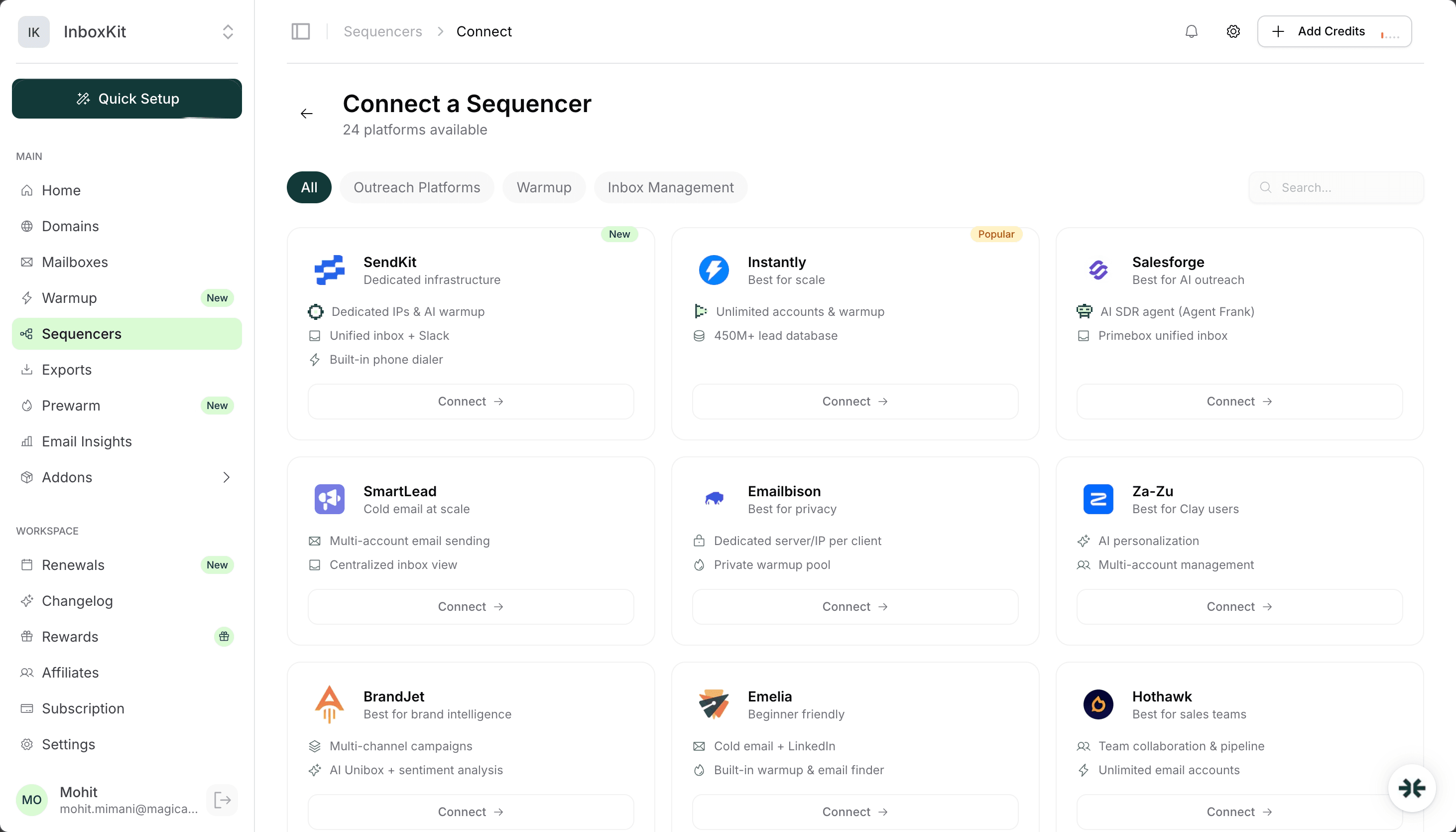
| 1 | InboxKit → Sequencers → Connect New Sequencer | 5 sec |
| 2 | Filter by Warmup category and pick Truly Inbox | 5 sec |
| 3 | Enter Email. Your TrulyInbox login | 5 sec |
| 4 | Enter Password. Your TrulyInbox password | 5 sec |
| 5 | Click Connect Account | — |
| 6 | InboxKit validates credentials against TrulyInbox's auth endpoint | 1-2 sec |
| 7 | Selected InboxKit mailboxes push into TrulyInbox's warmup network | 30-60 sec |
| 8 | Redirect to /sequencers with success toast | — |
Total: about 90 seconds.
You do not touch TrulyInbox's UI at any point during this connect. InboxKit handles the entire push, and the next time you log into TrulyInbox, the mailboxes will already be listed in your warmup queue.
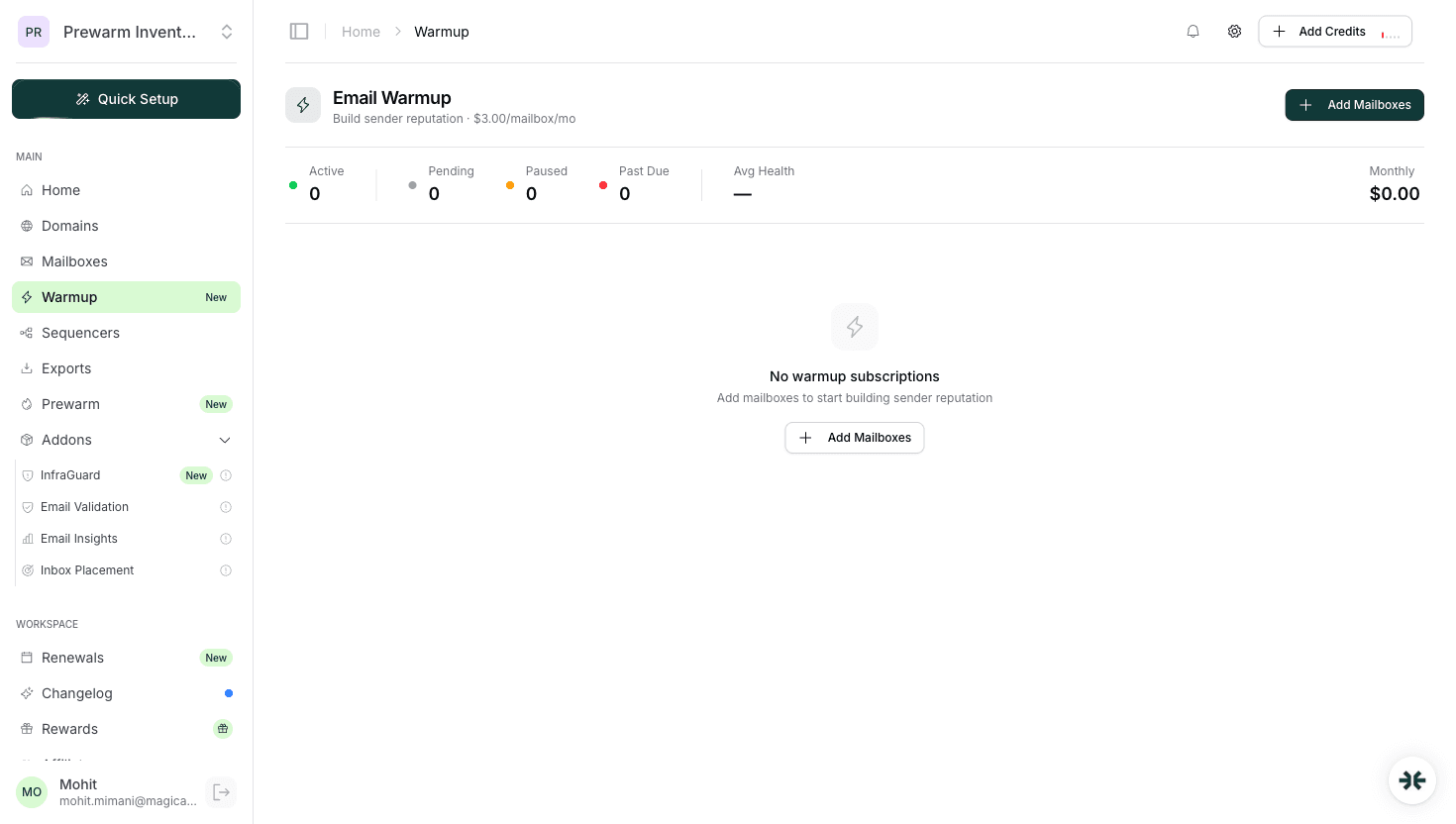
Once pushed, TrulyInbox runs each mailbox through a 3-stage warmup pipeline:
| Stage | Duration | What happens |
|---|---|---|
| Stage 1. Network entry | Day 1-3 | 3-5 warmup messages/day, all from TrulyInbox's AI partners. Mailbox builds initial sender reputation |
| Stage 2. Ramp | Day 4-14 | 10-15 messages/day, mixed industry conversations |
| Stage 3. Steady state | Day 15+ | 20-25 messages/day, AI keeps rotating partners to prevent pattern detection |
TrulyInbox's AI picks industry-specific conversation templates based on the domain TLD and the sender name pattern. A mailbox on johnsdoctoroffice.com will get healthcare-adjacent warmup conversations; a mailbox on bobssaasventure.io will get SaaS-adjacent ones. This matters because Gmail's spam filter learns what 'normal' looks like for your domain. If the warmup traffic matches the expected industry, the model trains faster.
Do not run two warmup systems at once. If you already pay for InboxKit's isolated warmup add-on, disable TrulyInbox's warmup for that mailbox in TrulyInbox's settings. Running both roughly doubles warmup sent volume and confuses Google's reputation classifiers. See domain warmup best practices for the full trade-off.
TrulyInbox only handles warmup. It does not send your real cold email campaigns. You pair it with an outreach sequencer like Instantly, Smartlead, or Salesforge for actual sends. Use this ramp when you move a mailbox from warmup-only to real campaigns:
| Mailbox age | TrulyInbox warmup | Real outreach daily cap | Notes |
|---|---|---|---|
| Day 1-14 | 3-15 ramp | 0 | Warmup only |
| Day 15-30 | 20/day | 10-15 | First real campaigns, low risk |
| Day 31-45 | 20/day | 20-30 | Ramp aggressively |
| Day 46-60 | 20/day | 30-40 | Near steady state |
| Day 60+ | 20/day | 40-50 | Steady state |
Google's practical cold email ceiling per mailbox is 40-50 per day regardless of warmup depth. To hit higher volumes, add more InboxKit mailboxes horizontally. See scale cold email 100 to 10000 for the mailbox-count math and email sending limits for the Google vs Microsoft limits.
| Error | Cause | Fix | Frequency |
|---|---|---|---|
| 'Invalid credentials' on connect | Typo in email or password, or account is on free-plan cooldown | Re-enter credentials; if cooldown, wait 15 min | 25% |
| 'IMAP handshake timeout' | IMAP disabled at Google Workspace OU level | admin.google.com → Gmail → End User Access → enable IMAP | 30% |
| Mailbox not appearing in TrulyInbox queue | Warmup pool sync delay | Wait 2 minutes and refresh | 15% |
| 'Duplicate mailbox' warning | Mailbox already connected to another TrulyInbox account | Remove from the old account first | 10% |
| Warmup counts stay at zero after 24h | TrulyInbox daily limit set to 0 during onboarding | TrulyInbox → Mailbox settings → set warmup limit > 0 | 20% |
One more footgun: TrulyInbox's free plan has a 'sharing penalty' because the network is shared, your mailbox will sometimes receive warmup mail from senders whose reputation is worse than yours. This is fine during ramp but becomes noise after day 30. If you're serious about deliverability, upgrade to InboxKit's isolated warmup add-on after the first month.
Run these three checks after every new TrulyInbox connect:
Test 1: Appears in TrulyInbox queue. Log into TrulyInbox → Mailboxes. Every InboxKit mailbox you pushed should be listed within 60 seconds with status 'Warming up'. If any are missing, the push silently failed, check the InboxKit Exports page for the error.
Test 2: 24-hour activity count. After 24 hours, check the Activity tab in TrulyInbox. You should see 5-10 sent, 3-8 received, 2-5 replied. If all counts are zero, either warmup is disabled on the mailbox or IMAP is broken.
Test 3: Inbox placement test. After 7 days of warmup, run a test via Mail Tester or GlockApps. You're looking for 8/10+. Anything lower means the warmup pool is not recovering your reputation fast enough, switch to isolated warmup. See inbox placement testing explained for full methodology.
Yes, the free plan lets you warm unlimited mailboxes with no paid tier required. The trade-off is the shared network. Your mailbox warms alongside every other free user's mailbox, which can include senders with uneven reputation. TrulyInbox also offers paid plans with private pools, but the free tier is genuinely unlimited.
No, pick one. Running both simultaneously roughly doubles the outbound warmup volume for the mailbox, which Google reads as suspicious behavior and can damage reputation. Choose TrulyInbox if you need free warmup; choose InboxKit's isolated warmup if you need a dedicated network at $3/mailbox/month.
No. TrulyInbox is warmup-only. Pair it with an outreach sequencer like Instantly, Smartlead, Salesforge, or Reply.io for real campaigns. The typical stack is InboxKit for mailboxes, TrulyInbox for free warmup, and one outreach sequencer for sends.
About 14 days of consistent TrulyInbox warmup produces a baseline-ready mailbox. Serious cold email setups wait 21-30 days before sending to a cold audience, warmup isn't instant, and rushing it damages reputation on the first real campaign.
TrulyInbox supports 18+ providers including Gmail, Google Workspace, Outlook.com, Office 365, Yahoo Mail, Zoho, iCloud, GoDaddy, Yandex, GMX, SendGrid, Mailgun, and Amazon SES. InboxKit provisions Google Workspace, Microsoft 365, and Azure mailboxes, all of which are supported.
 Guides
 Saksham JainGuides
 Rahul LakhaneyGuidesRahul LakhaneyEducationalRahul LakhaneyGuidesSaksham Jain
Plans from $39/mo with 10 mailboxes included. Automated DNS, warmup, and InfraGuard monitoring included.